Introduction
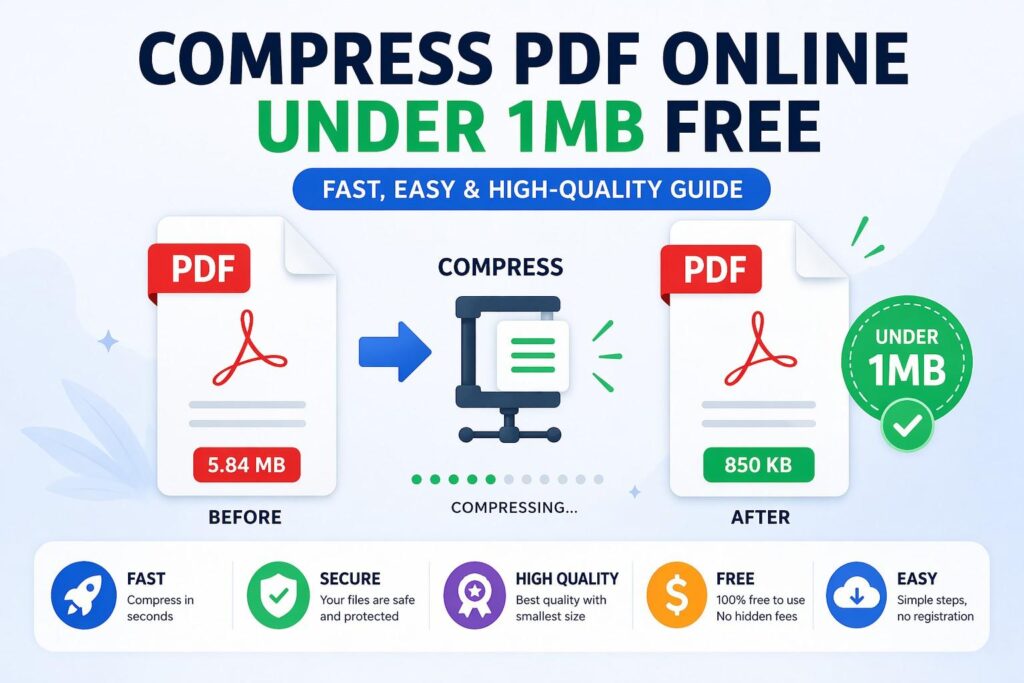
Large PDF files can be a real problem when you need to email, upload, or share documents quickly. Many platforms have file size limits, and attachments over 1MB often fail to send. That’s why learning how to compress PDF online under 1MB free is essential for students, professionals, and businesses.
The good news is you don’t need expensive software or technical skills. You can reduce PDF file size online in seconds while keeping good quality and readability.
In this guide, you’ll learn how to compress PDFs efficiently, safely, and without losing important content.
Why You Need to Compress PDF Files
PDF compression is not just about reducing size—it’s about improving usability and efficiency.
1. Easier Email Sharing
Most email services have attachment limits. Compressing your PDF helps it stay under 1MB so it can be sent without issues.
2. Faster Uploads
Smaller files upload faster to websites, cloud storage, and job portals.
3. Saves Storage Space
Compressed PDFs take less space on your device or cloud account.
4. Better Performance
Lightweight PDFs open faster on all devices, especially mobile phones.
What Does “Compress PDF Under 1MB” Mean?
When you compress a PDF under 1MB, you are reducing:
- Image resolution inside the PDF
- Embedded fonts and data size
- Redundant or hidden metadata
- File structure optimization
The goal is to make the file as small as possible while maintaining readable quality.
How to Compress PDF Online Under 1MB Free
You can easily compress your PDF file using an online tool. Follow these simple steps:
Step 1: Upload Your PDF File
Select the PDF you want to reduce in size from your device.
Step 2: Choose Compression Level
Some tools offer options like:
- High compression (smaller file, lower quality)
- Balanced compression (recommended)
- Low compression (better quality, slightly larger file)
Step 3: Start Compression
Click the “Compress PDF” button and wait a few seconds.
Step 4: Download Compressed File
Download your optimized PDF, now reduced to under 1MB (or close to it depending on original size).
Tips to Achieve Under 1MB PDF Size
If your file is still too large after compression, try these tips:
✔ Reduce Image Size Before Uploading
Images are the biggest contributors to PDF size.
✔ Use Black & White Scans
Grayscale or black-and-white PDFs are much smaller.
✔ Remove Unnecessary Pages
Delete blank or unused pages before compressing.
✔ Avoid High-Resolution Images
Keep images around 150 DPI for balance between quality and size.
✔ Convert Word to PDF Properly
Export documents in optimized format instead of printing to PDF.
Best Use Cases for PDF Compression
Compressing PDFs is useful in many real-life situations:
📧 Email Attachments
Send resumes, proposals, and documents without exceeding limits.
📄 Job Applications
Many companies require small file sizes for CV uploads.
📚 Academic Work
Students can submit assignments easily on school portals.
💼 Business Documents
Share reports and contracts quickly with clients.
☁ Cloud Storage
Save space on Google Drive, Dropbox, or OneDrive.
Is It Safe to Compress PDF Online?
Yes—if you use a trusted platform.
Secure PDF compressors typically:
- Encrypt your uploaded files
- Automatically delete files after processing
- Do not share or store user documents
However, avoid unknown websites that ask for personal information or registration.
Advantages of Online PDF Compression Tools
Using online tools instead of software has many benefits:
1. No Installation Needed
Everything works directly in your browser.
2. Works on Any Device
Supports Windows, Mac, Android, and iOS.
3. Free to Use
Most tools offer free compression without hidden charges.
4. Fast Processing
Compress files in seconds, not minutes.
5. Easy for Beginners
No technical knowledge required.
Common Mistakes to Avoid
To get the best results, avoid these mistakes:
❌ Uploading already low-quality PDFs
This may reduce readability further.
❌ Using extreme compression
Over-compressing can make text blurry.
❌ Ignoring file structure
Large PDFs with many images should be optimized first.
❌ Using untrusted websites
Always choose secure and well-known tools.
Frequently Asked Questions (FAQ)
1. Can I compress a PDF under 1MB for free?
Yes, many online tools allow you to compress PDFs to under 1MB without any cost.
2. Will compression reduce quality?
Slightly, but good tools balance size and quality effectively.
3. Can I compress PDF on mobile?
Yes, online PDF compressors work perfectly on smartphones.
4. Is it safe to upload my documents?
Yes, if you use a secure and trusted PDF compression tool.
5. Do I need to install software?
No, everything is done online through your browser.
Conclusion
Compressing PDF files under 1MB is no longer difficult or time-consuming. With modern online tools, you can quickly compress PDF online under 1MB free without installing software or losing important document quality.
Whether you are sending emails, submitting job applications, or managing business documents, a small and optimized PDF makes everything faster and easier.
By following the steps and tips in this guide, you can reduce any PDF file size efficiently while keeping it professional and readable.